How do I manage Administrators, Owners, and Contacts for my organization?

Easily manage who has administrative access to your organization’s profile directly from your organization’s Dashboard.
Be sure to check out our other article for more information on the differences between Owners, Administrators, and Contacts.
Adding Administrators & Owners
Anyone with current Administrator or Owner access can add additional Administrators to an organization’s existing profile. Only Owners can grant Owner access.
To grant access to a colleague, follow these steps:
1. Log in at idealist.org using an email address that has Administrator or Owner access.
2. Navigate to your organization’s Dashboard by clicking "Workspaces" at the top right corner and selecting your organization from the dropdown menu.
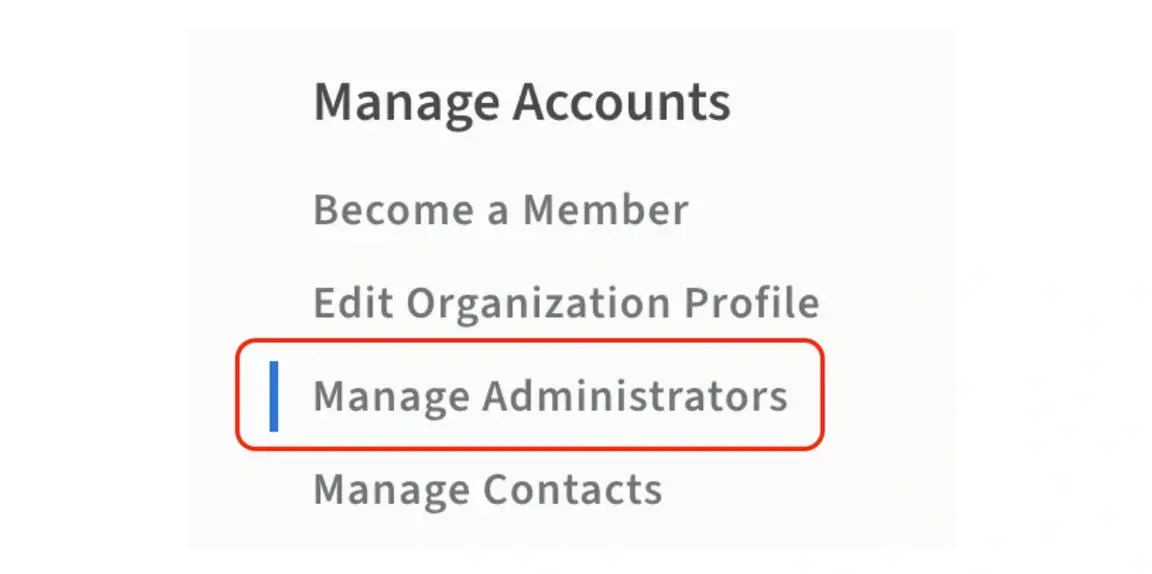
3. Select “Manage Administrators” from the menu on the left.
4. Click either the blue “Add Administrator” or “Add Owner” button. You can then enter the email address of the person you would like to assign as a new Administrator or Owner.
Visit our other article for more information about the difference between Administrators and Owners.
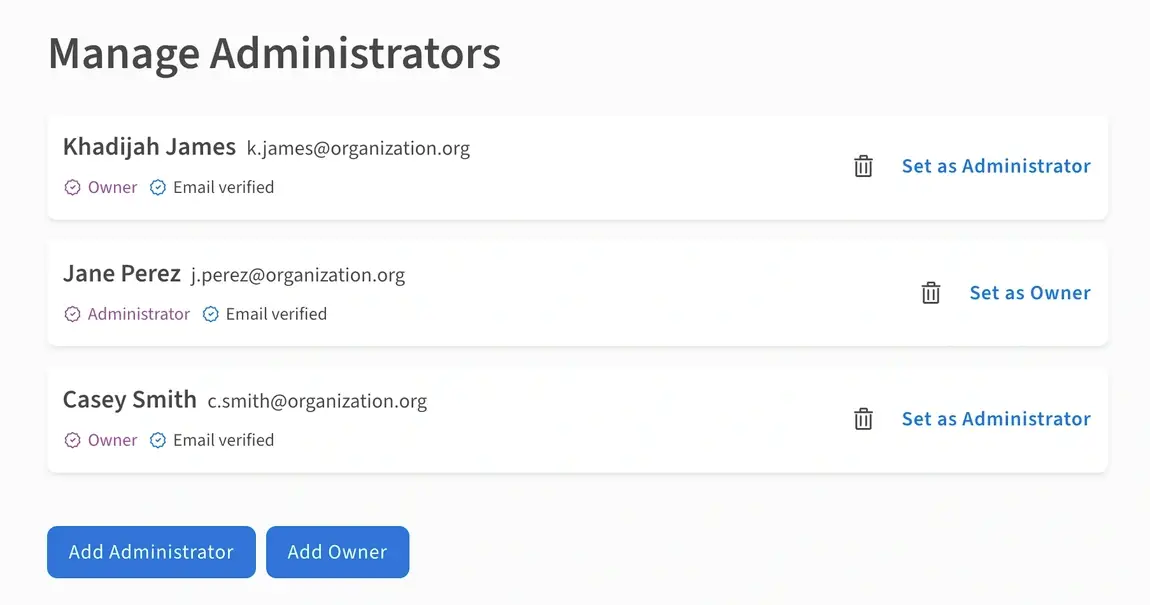
If your colleague already has an Idealist profile, they’ll have access as soon as they log in. If they don’t already have an Idealist profile, they’ll receive an email inviting them to sign up. Once they’ve clicked the link included in that email and completed sign up, they’ll be granted the appropriate access.
Removing Administrators & Owners
Before you can remove Administrators or Owners from your organization’s existing profile, you will need to become an Owner of it. Once you’re sure you have Owner privileges for your organization’s account, you can remove Administrators or Owners using the following steps:
1. Log in at idealist.org using an email address that has Owner access.
2. Navigate to your organization’s Dashboard by clicking "Workspaces" at the top right corner and selecting your organization from the dropdown menu.
3. Select “Manage Administrators” from the menu on the left.
4. Click the delete icon next to the name of the Administrator or Owner you wish to remove.
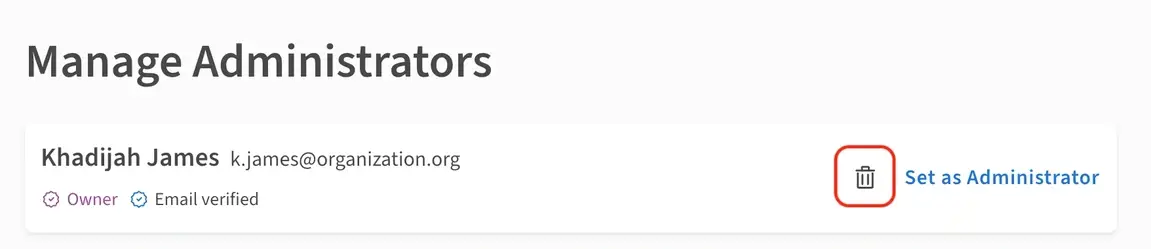

Owners can also change another Owner’s access from Owner to Administrator by clicking “Set as Administrator.” Please note that organization accounts must have at least one Owner.

Gaining Owner Access
If you don’t see the option to remove or promote Administrators from your account, it means you’re not an Owner just yet. You can request Owner access from an existing Owner of your organization’s account, or, you can always reach out to the Community Support Team for assistance with your request.
Adding Contacts
Contacts have limited permissions to receive applications on volunteer listings only.
To add a Contact:
1. Log in at idealist.org using an email address that has Administrator or Owner access.
2. Navigate to your organization’s Dashboard by clicking "Workspaces" at the top right corner and selecting your organization from the dropdown menu.
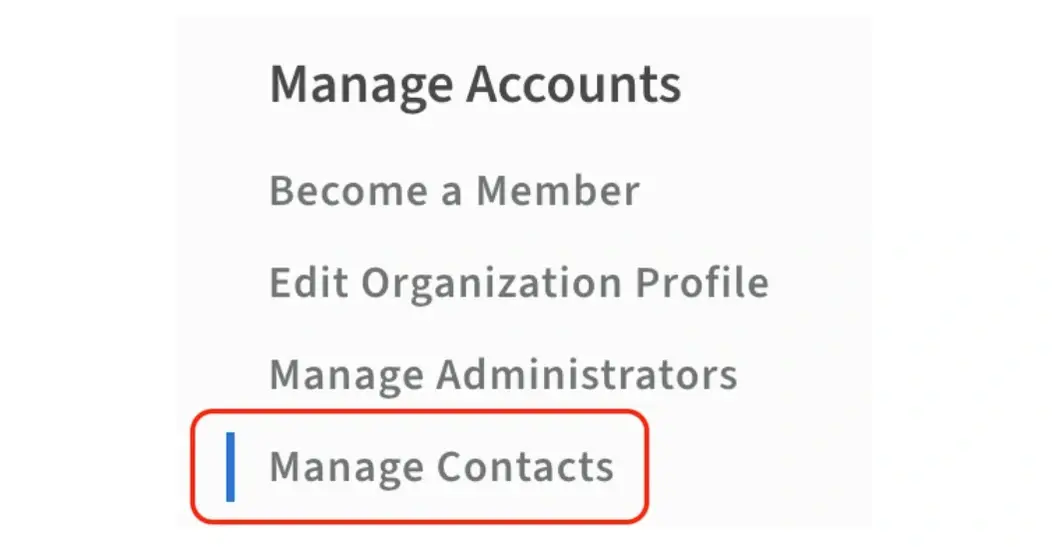
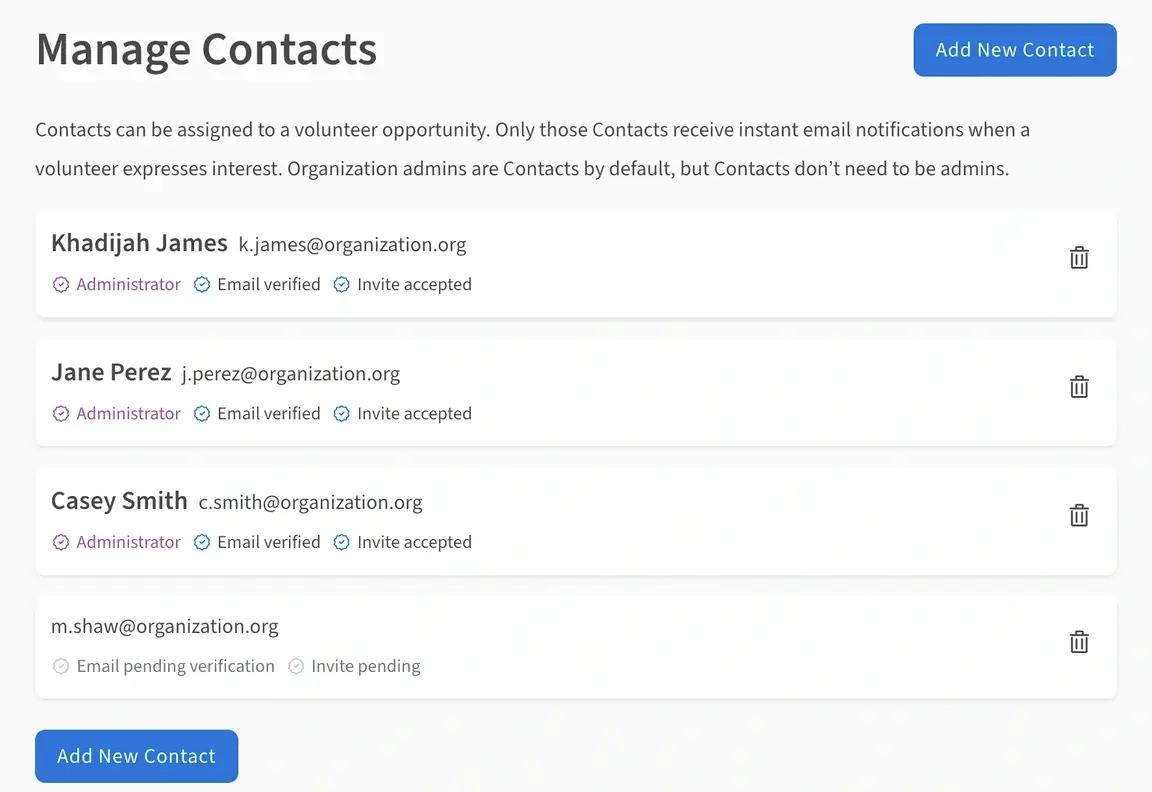
3. Select “Manage Contacts” from the menu on the left.
4. Click “Add New Contact” and your colleague will be sent an email. Once they’ve followed the instructions in the email, they can be assigned to volunteer listings. Visit our other article for more information on how to assign a Contact to a volunteer listing.
Contact Us
Have questions? Contact Us—we're always happy to help!